
“Hey, how do you create those amazing FB ads I see all the time?”
This question lands in our DMs at least once a week. It’s usually followed up with: “I love your mockups and am dying to create something similar for my real estate biz.” So of course we thought it was high time to create a tutorial showing you exactly how we put together the stellar mockups we use in our FB ads.
Step One: Open your Canva doc
Super simple here: Open the Canva doc you want to share with your audience. (Hint: your seller’s guide, buyer’s guide, create stellar curb appeal how-to…)
Step Two: Adjust the time
Adjust the timing to your animation so it’s .8 seconds and apply it to all pages of your design. Why .8 seconds? It’s really the optimal speed because people lose interest if it’s too slow! But feel free to adjust to what you think works best for your audience.
Step Three: Save as a video
Next, head to “Share” and then select “Download as MP4.” (You want to save this as a video – not just a graphic!)
Step Four: Upload video to Canva
Upload the video you just downloaded into Canva so you can pop it into another Canva design.
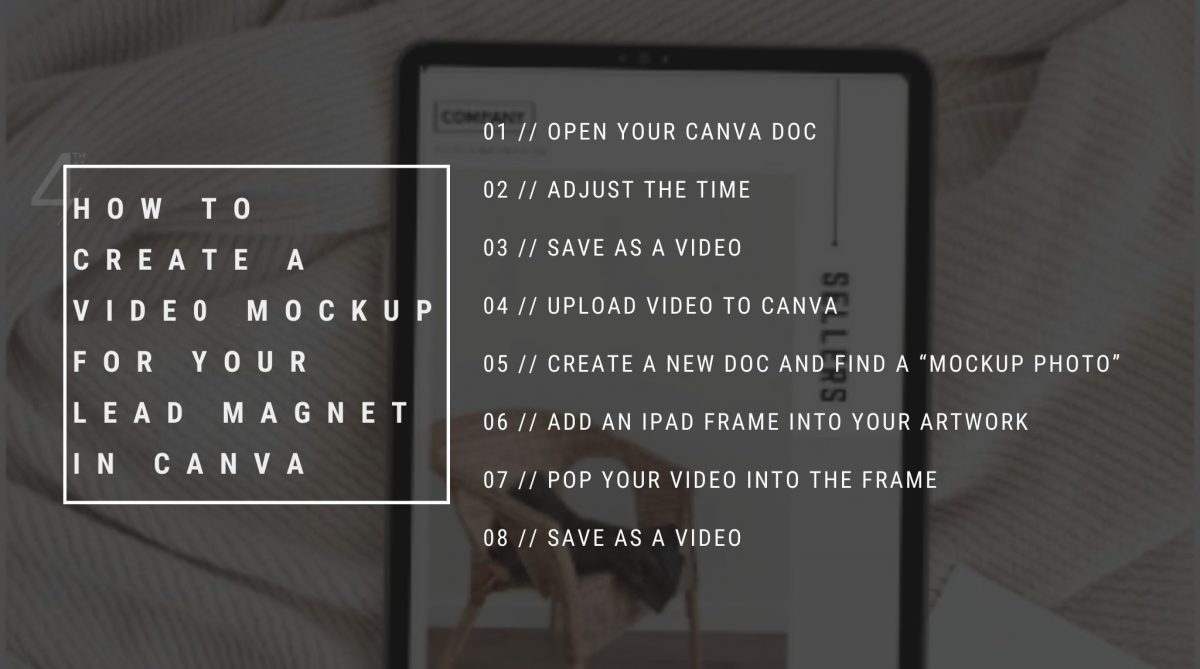
Step Five: Create a new doc and find a “mockup photo”
Create a blank Instagram post. Search for a photo that works well with your freebie and your brand. (One of our go-to searches is moody iPad!)
Pro tip: If you can’t find anything you like, head to pexels.com for a huge selection of mockup photos.
Step Six: Add an iPad frame into your artwork
Head to the “Elements” section. Find the iPad frame and add that to your photo, placing it directly on top of the iPad. (Adjust the photo as best you can!)
Step Seven: Pop your video into the frame
Grab the video you uploaded and pop it into the frame. Easy peasy.
Step Eight: Save as a video
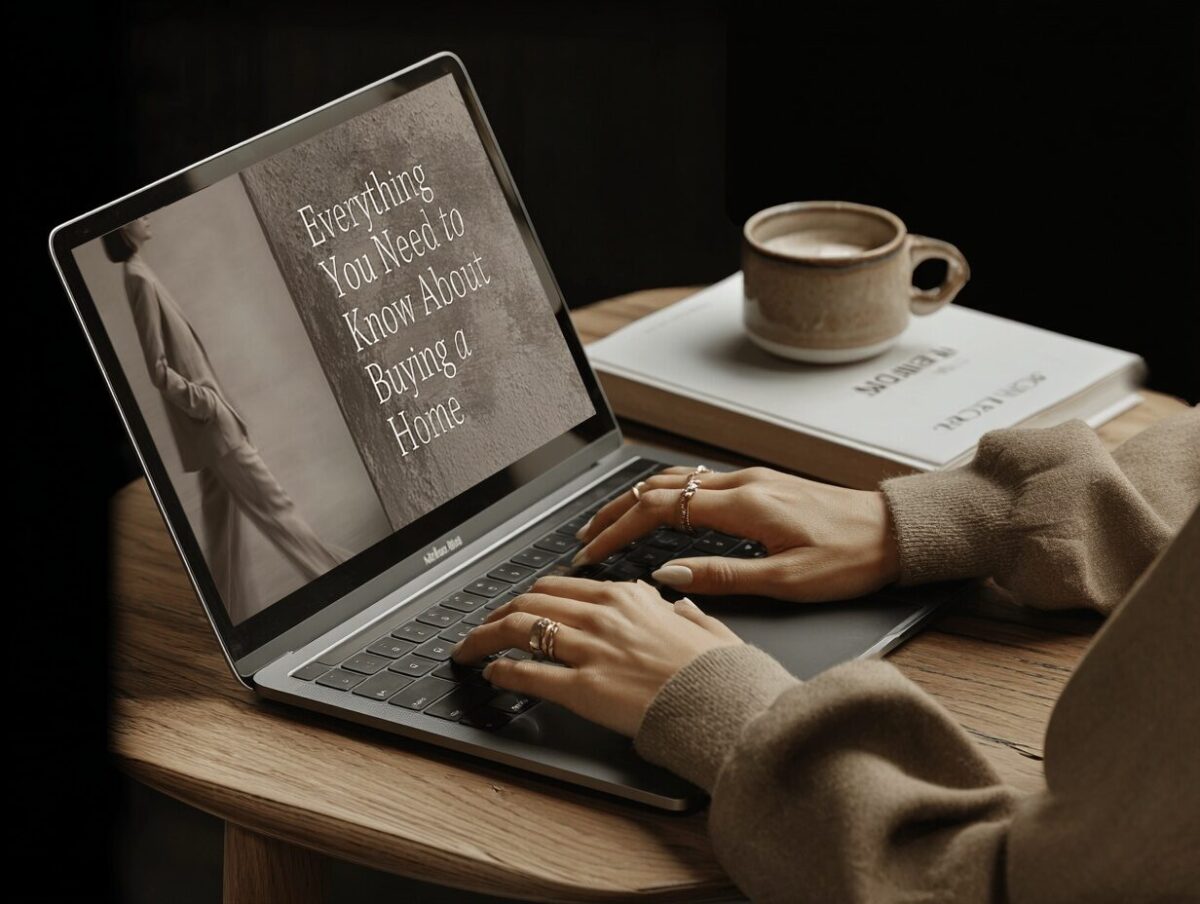
Choose the “Download as MP4” option and BOOM! You’ve just turned your lead magnet into a stunning and realistic mockup.
Love free stuff? Grab the template we used in this tutorial HERE.





FIND ME HERE
@theMelanieGrey
If you’re into honest business advice, introvert-friendly marketing, and the occasional mildly unhinged creative rant...
you’ll love it here.
Instagram
FOLLow
Pinterest
ADD
Journal
READ
YouTube
WATCH