
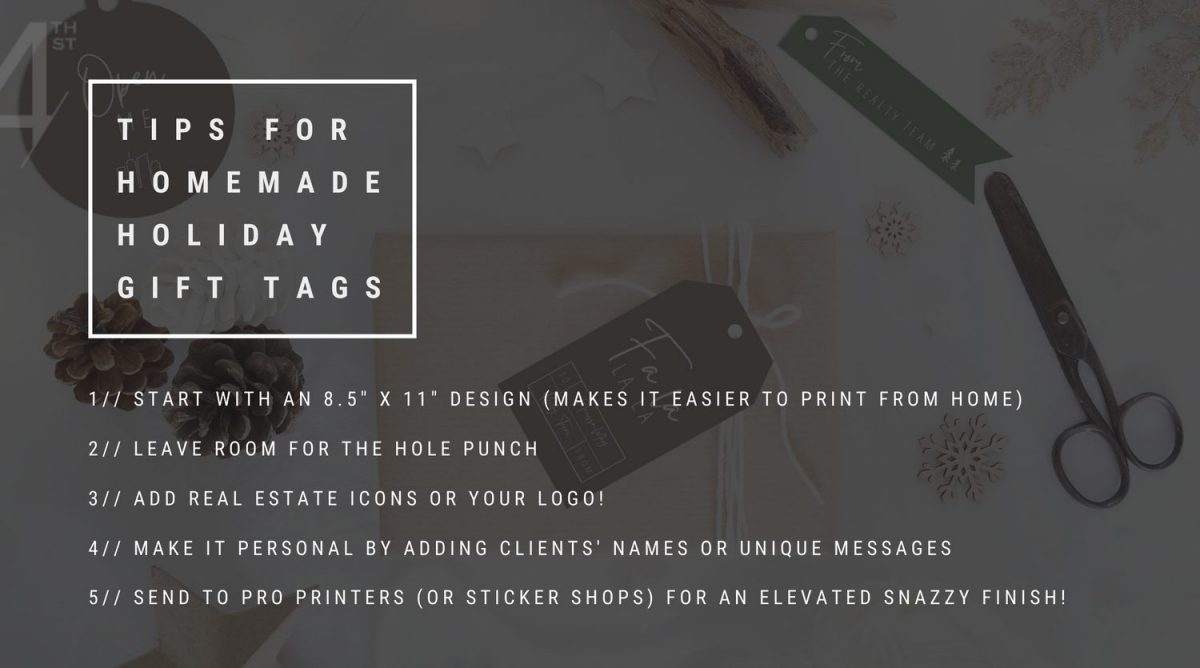
Holiday fun – but make it professional! Let’s walk through how to make your own branded, real estate-themed holiday gift tags right in Canva.
1 | Create a document that’s the same size as your printer paper at home (or the size you’ll send to a professional printer). You’ll be able to fit 3 rows of tags (9 tags total) on a standard 8.5” x 11” page. For even more oomph, invest in some glossy paper or thicker cardstock for these. Tip: Visit stickeryou.com to print your tags as stickers (so fun!).
2 | Head over to the “elements” tab and type in “shapes.” Have fun creating your tag shapes! You can use a circle or rectangle or even a star if you want to get uber festive – just make sure you don’t make your shapes itty bitty.
3 | Change your chosen shapes to your brand colours or a shade of your brand colours. Say what?! Yep, this is a little trick you can whip out if your brand colours don’t really give off holiday vibes! Simply head to the colour picker and play around – try making the colour a bit darker and richer (think wintery jewel tones like bold scarlet or cobalt blue). This is TOTALLY fine to do if you keep everything else consistent – like your fonts, for example.
4 | Next, head back to the “elements” tab, this time searching for real estate icons (Tip: Browse iconfinder.com!). Think house, key – you get the idea! If you don’t find an icon you like or just don’t want your tag to get too busy, simply use your logo (or brand icon) instead.
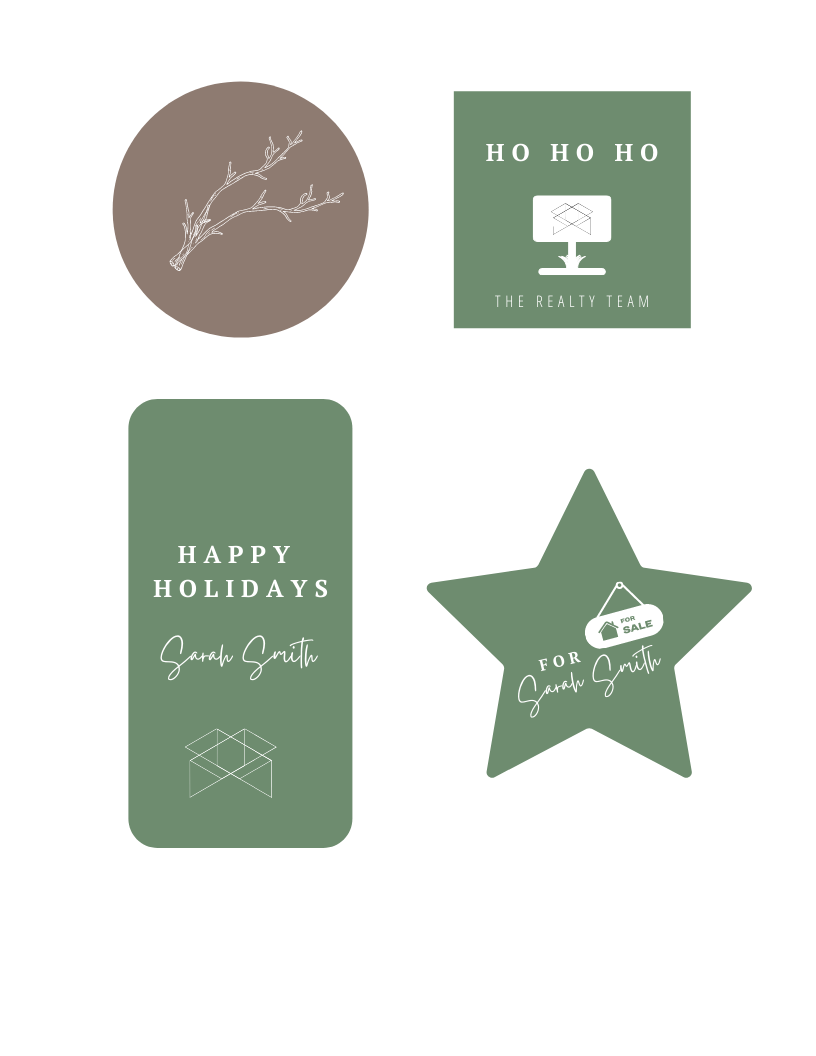
5 | Hit “T” on your keyboard to bring up a text box and add a festive greeting – maybe even your client’s name to make them feel extra special! Select an on-brand font and make it a little larger (12-point MINIMUM) – as large as your tag will allow for legibility purposes. Tip: Make sure you leave room at the top of your tag for your hole punch! No one wants to try and decipher a hole-y word!
Pro Tip: Layering tags gives a super high-end feel! To do this, create a secondary text-free tag (might we suggest a simple festive icon or your logo?) and pair it with your main gift tag!
6 | Once you’re happy with your design, print a test page to A) get an idea of actual sizing (remember: you want your tags to be legible!) and B) test how the colours translate from your screen onto the page. (Don’t worry too much about this if you’re having your tags printed professionally.) Tip: When you’re ready to print the final result, select “download PDF print” – you won’t need the crop marks or bleed!
And that’s it! Say goodbye to generic gift tags and hello to professional holiday branding your clients will remember.






FIND ME HERE
@theMelanieGrey
If you’re into honest business advice, introvert-friendly marketing, and the occasional mildly unhinged creative rant...
you’ll love it here.
Instagram
FOLLow
Pinterest
ADD
Journal
READ
YouTube
WATCH